




-23%


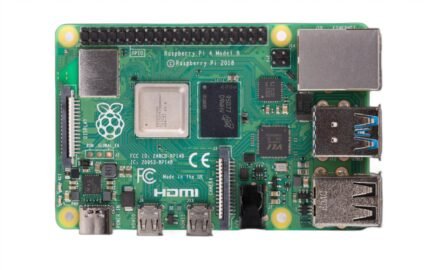
Raspberry Pi 4 Model B 4GB
Original price was: ₹ 6,000.00.₹ 4,900.00Current price is: ₹ 4,900.00.

Raspberry Pi 400 Complete Computer Kit
Original price was: ₹ 9,999.00.₹ 8,999.00Current price is: ₹ 8,999.00.
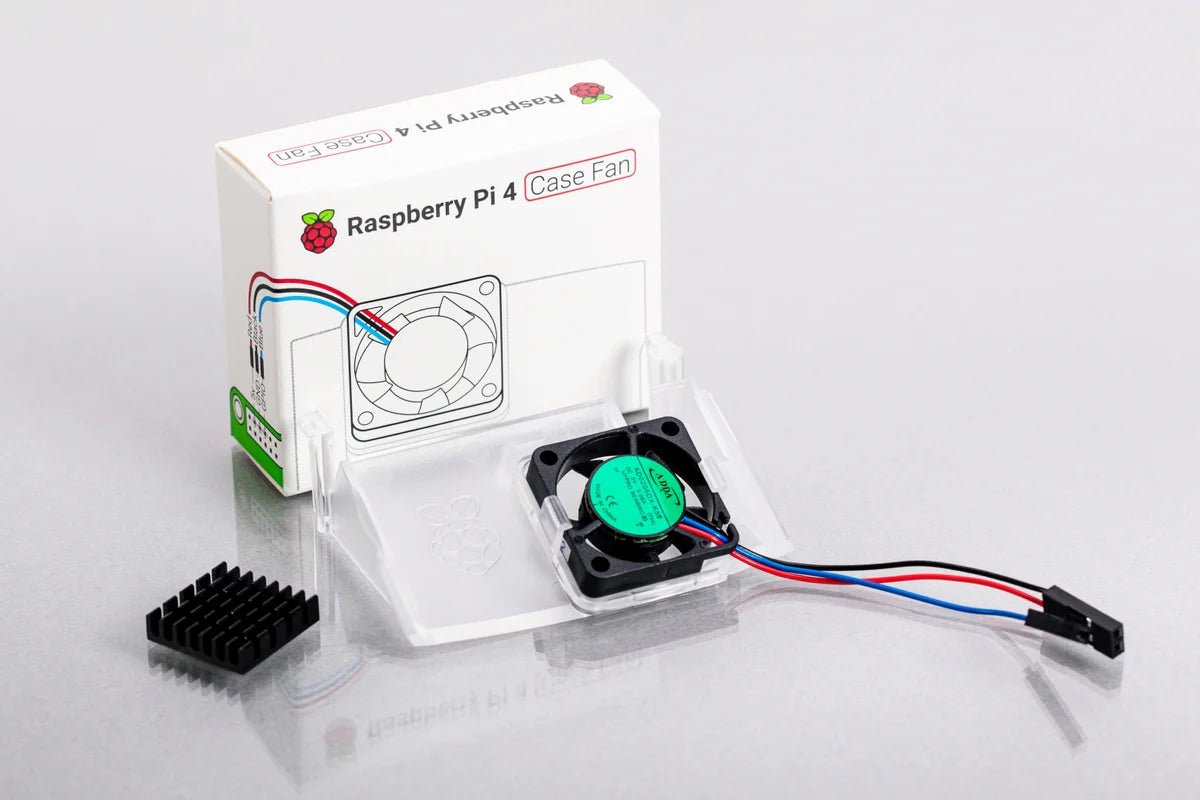
Raspberry Pi 4 Official Case Fan
Original price was: ₹ 550.00.₹ 425.00Current price is: ₹ 425.00.
| Weight | 0.08 kg |
|---|
5 in stock
Description
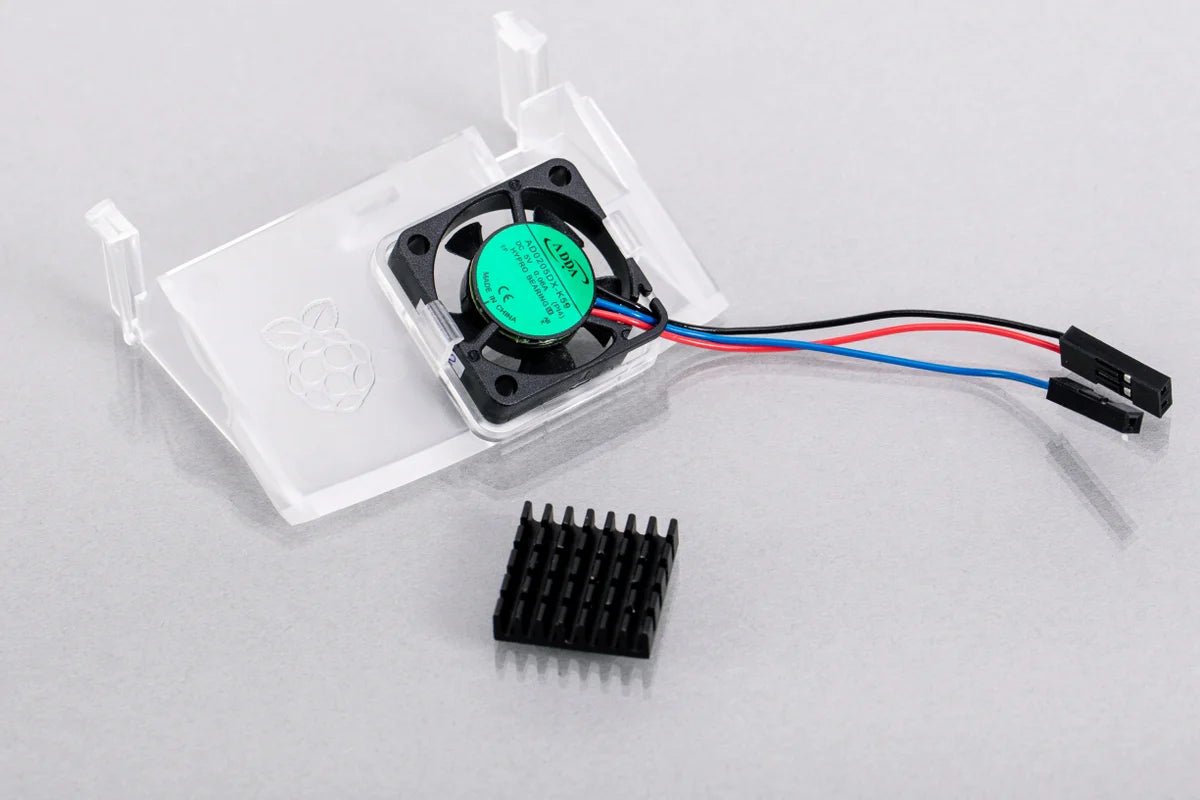
Compatible with both Raspberry Pi 4 and the official Raspberry Pi 4 Case, this product is designed for overclockers and power users, keeping your device at a comfortable temperature during intense usage. Stay cool and productive with our cooling solution.
Features
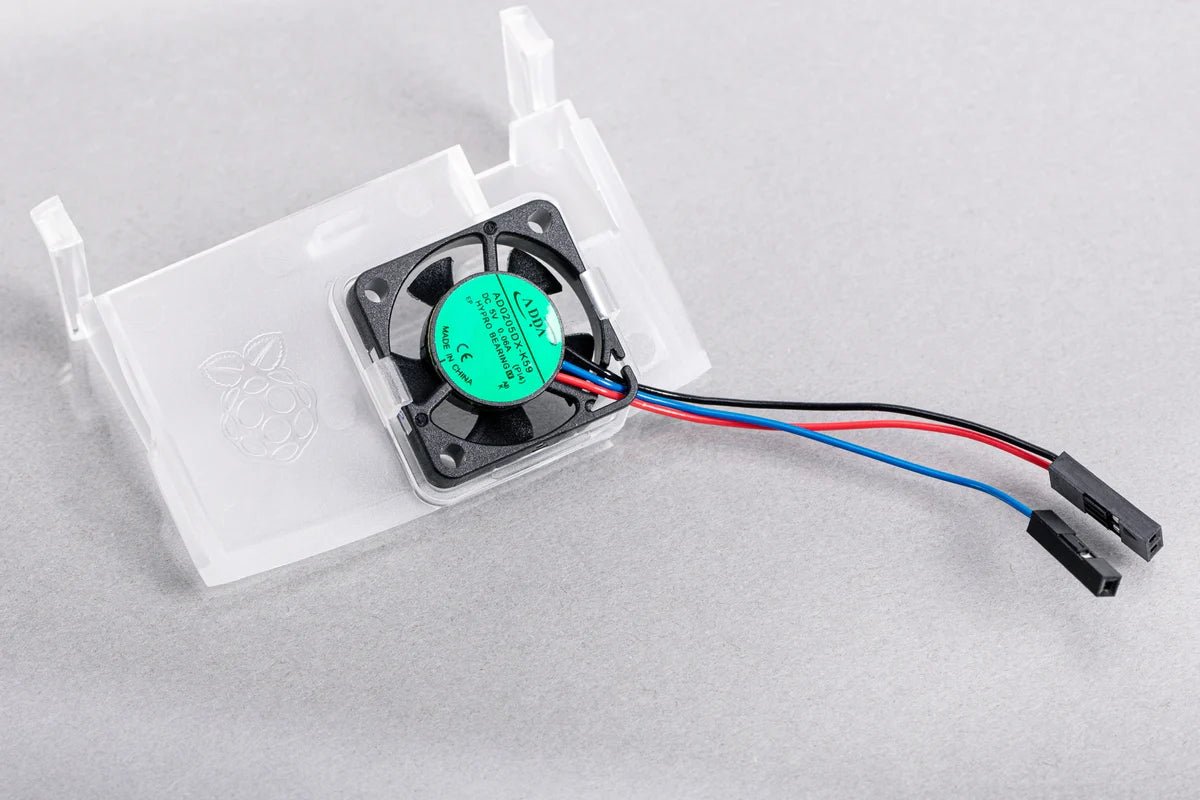
- Fits perfectly into the lid of the Raspberry Pi 4 Case
- Temperature-controlled fan delivers up to 1.4CFM of air flow over the processor, memory, and power management IC
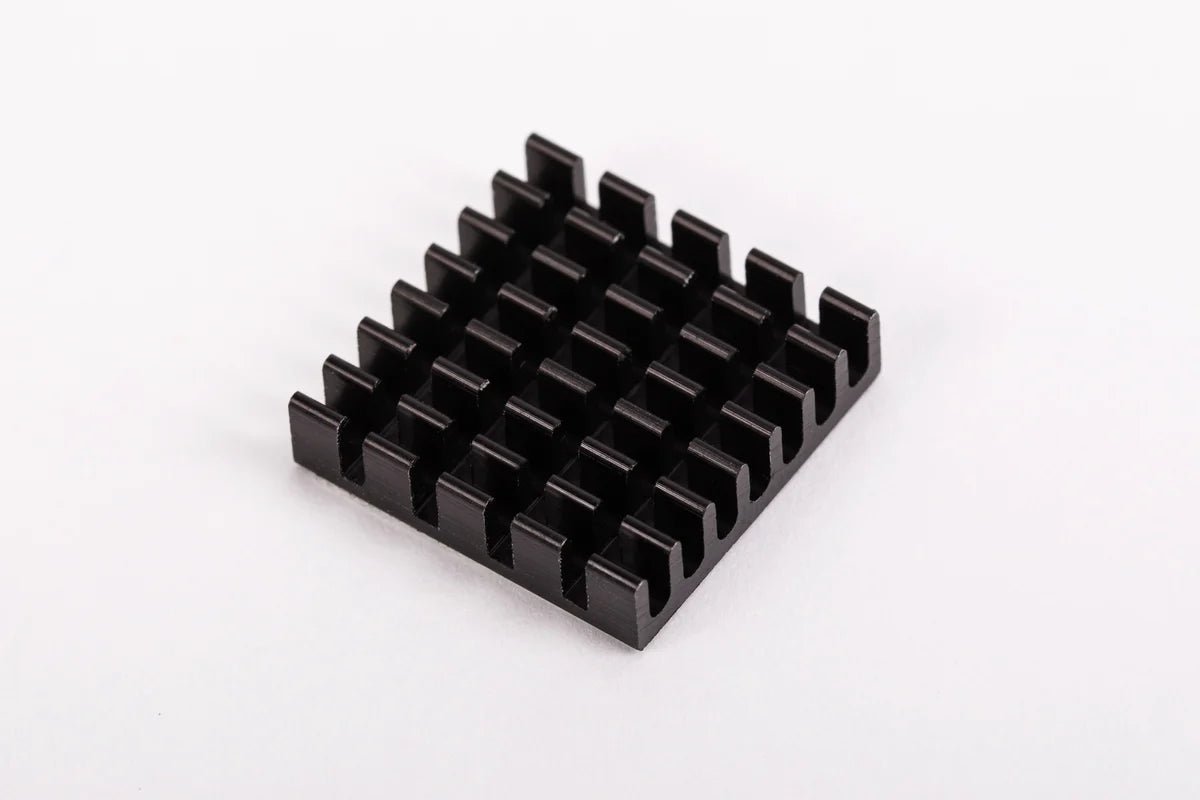
- 18mm × 18mm × 10mm heatsink with self-adhesive pad improves heat transfer from the processor
Fitting Instructions
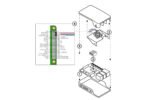
- Insert Raspberry Pi 4 unit into the lower half (base) of the case, taking care to first remove any SD card, and to align the connectors with the apertures in the base.
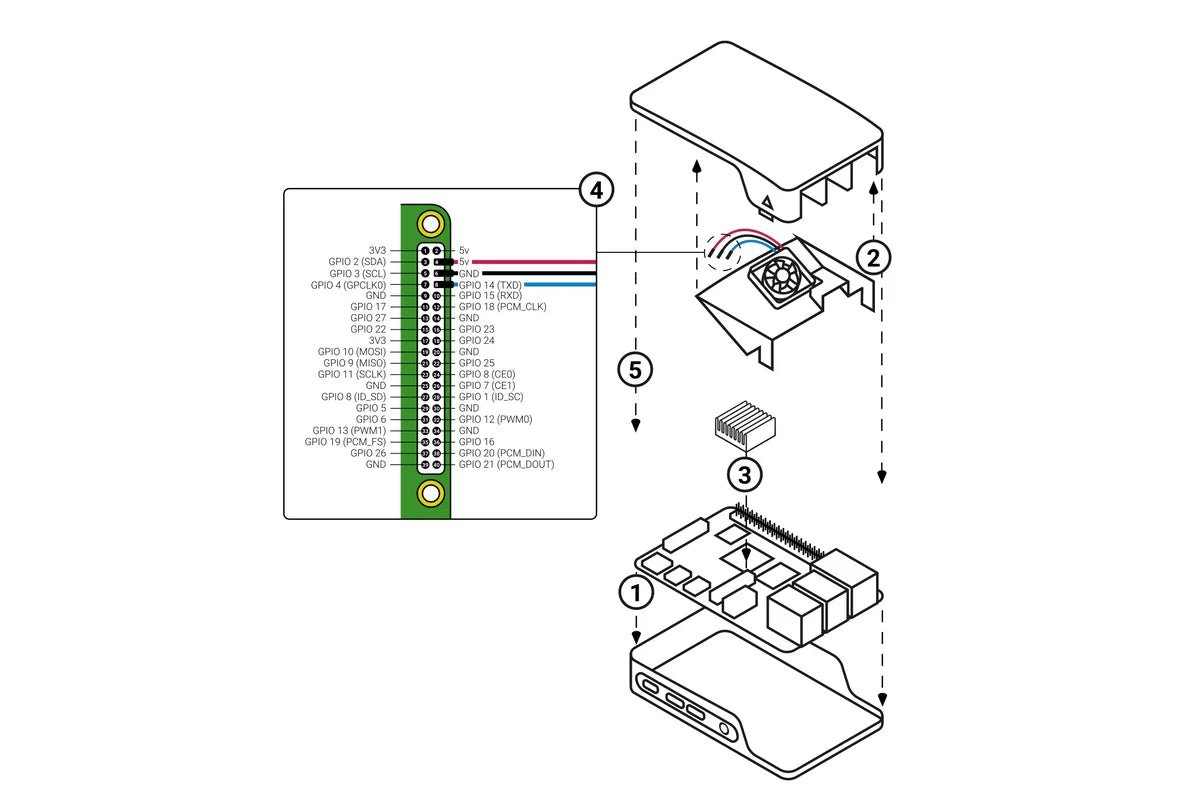
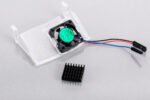
- Insert the case fan into the upper half (lid) of the case, with the fan pointing away from the lid. The two tabs on the fan housing should fit neatly into the inside of the tabs on the lids, and the slightly curved edge of the housing should be flush with the underside of the lid.
- If you are also fitting the heatsink, remove the backing paper from the selfadhesive pad on the base of the heatsink, position it centrally over the processor and gently press it in position.
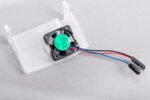
- Connect the wires from the fan to the Raspberry Pi 4 40-pin GPIO header as below
- Assemble the case
| LEAD | COLOUR | GPIO PIN |
|---|---|---|
| 5v | RED | 4 |
| Ground | BLACK | 6 |
| GPIO 14 | BLUE | 8 |
Click here for assembly instructions
Using your fan
Once you have connected your fan, by default it will be on whenever your Raspberry Pi is running. You can configure it to turn on only when your Raspberry Pi reaches a temperature that you choose.
Using a recent version of Raspberry Pi OS, first update to retrieve any recent changes to the operating system:
- Open the Terminal, either from the Start menu (click the Raspberry Pi icon in the top left corner) or by pressing Control + Alt + T.
- Type sudo apt update and then, when the update has finished, type sudo apt full-upgrade.
Then open the Raspberry Pi Configuration tool:
- Click on the Raspberry Pi icon in the top left corner and select Preferences then Raspberry Pi Configuration.
- Select the Performance tab.
- Next to Fan, click Enabled.
- If you have connected your fan as shown above, the default of 14 for Fan GPIO does not need to be changed.
- Select the Fan Temperature at which you want your fan to turn on. The default is 80°C, which will stop the Raspberry Pi throttling on difficult tasks without having the fan on all the time.
- Input voltage: 5V DC supplied via 40-pin GPIO header on Raspberry Pi 4
- Fan speed control: Pulse width modulation control via user-selectable GPIO pin
- Maximum airflow: 1.4 CFM
- Case material: Clear PC
Reviews (0)
Shipping & Delivery







Reviews
There are no reviews yet.